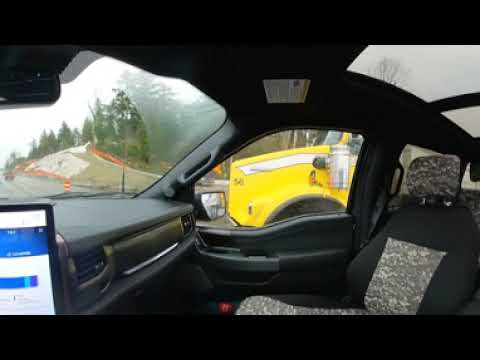
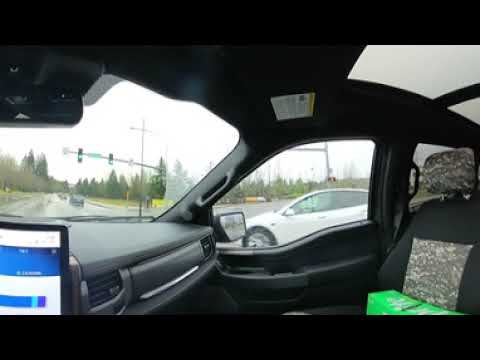
Video by Lightning Ryan Fulcher via YouTube
Source
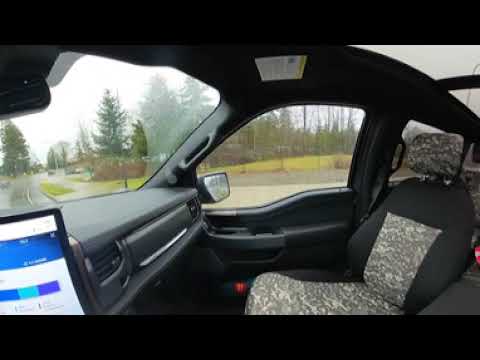
* https://youtu.be/1XW6UnFmIOU 20230112 1/3 Immersive 3D Ford F150 Lightning ER Freeway BlueCruise Commentary
* https://youtu.be/tqrTaI2g0dA 20230112 2/3 Immersive 3D Ford F150 Lightning ER Freeway BlueCruise Commentary
* https://youtu.be/IJzY3dHpSsk 20230112 3/3 Immersive 3D Ford F150 Lightning ER Freeway BlueCruise Commentary
* https://youtu.be/libPW958cps Normal 2D Version of 20230112 Ford F150 Lightning ER Freeway BlueCruise Commentary
* https://www.youtube.com/playlist?list=PLZLDIKl8rNU6LauWKH-mpZCQuMbgL7jL6 2023 Ford F150 Lightning ER Playlist
* Cruse Control set to 60mph
* No Climate Control
* 36.8 Miles at 2.8 miles/kWh (Half of a round trip)
** Climate use 0%
** Driving 87%
** Accessories 5%
** Exterior Temperature 8% (49deg F)
* Round trip was 76.0 miles at 2.2mi/kWh at ~48deg F for return trip
** Began at 90% SoC and ended at 63% SoC
** Calculated estimate 35.37kWh for 63%-90%
** Ford Pass App 34kWh (Must read result before next trip, only shown once)
** eGuage reported 36.9kWh
** Emporia EVSE reported 39.3kWh
Turns out that the Calm dash will show the SoC% as does the Blue Cruse dash and the Charge setting page. I have since been driving with the Calm Dash screen up and recording trip and SoC % data that way.