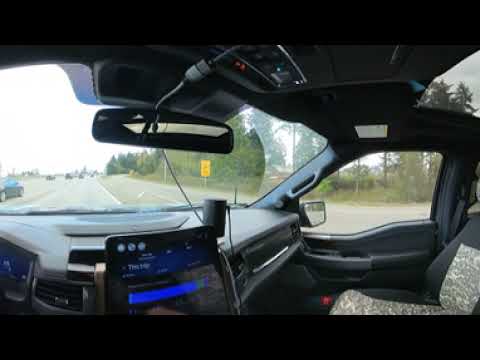
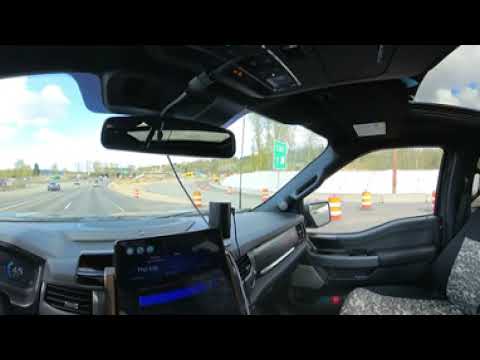
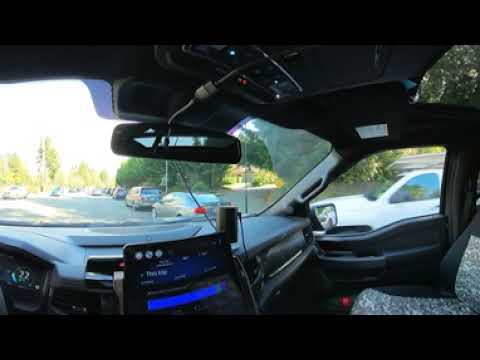
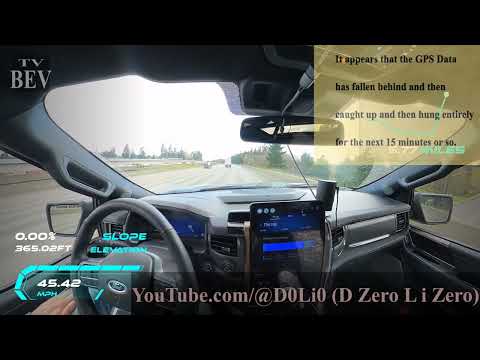
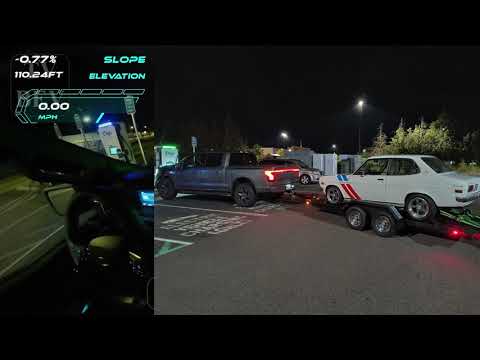
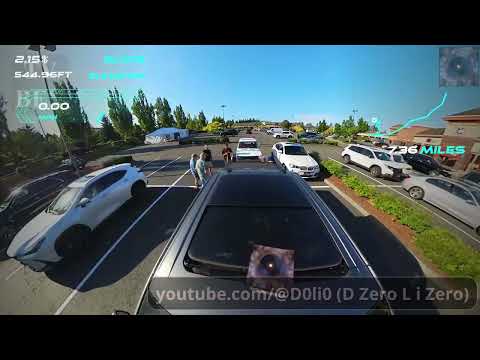
Video by Lightning Ryan Fulcher via YouTube
Source
Sponsored:

Prepare for a global paradigm shift with Inevitable and Unstoppable, a deep dive into the rapid transition to electric vehicles. This compelling analysis explores how technological breakthroughs and policy shifts are making internal combustion engines obsolete. Learn how the EV revolution is reshaping economies, urban infrastructure, and environmental policy worldwide. Stay ahead of the curve by understanding the forces driving this trillion-dollar industry. Read the full analysis on Amazon.
* https://www.youtube.com/playlist?list=PLZLDIKl8rNU6LauWKH-mpZCQuMbgL7jL6 2023 Ford F150 Lightning ER Playlist
* https://youtu.be/PG-AWBDZbQc a20230419a DriveWork 45mph NoCC GPS RealTime
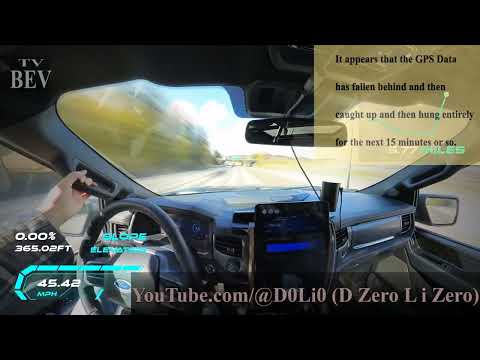
This was my first try with Insta360 Camera tethered to my phone so to record GPS Data and then add that to the playback, here I also used TimeShift to x32 speed for the otherwise 1hour and 1minute trip.
The audio is Track #4 from my "Definitive Infinity – Beta" album Copyright 1996 named "2 Squared Sounds", and some of the album art.
* Cruse Control set to 45mph
* No Climate Control
* 37.5 Miles at 3.5 miles/kWh (Half of a round trip)
** Climate use 1%
** Driving 81%
** Accessories 9%
** Exterior Temperature 9% (52deg F)
* Round trip was 74.7 miles at 2.8mi/kWh at ~38deg F for return trip
** Began at 90% SoC and ended at 69% SoC
** Calculated estimate 27.51kWh for 69%-90%
* Ford Pass App 27.9kWh (Must read result before next trip, only shown once)
** eGuage reported 29.7kWh
** Emporia EVSE reported 30.84kWh
Turns out that the Calm dash will show the SoC% as does the Blue Cruse dash and the Charge setting page. I have since been driving with the Calm Dash screen up and recording trip and SoC % data that way.