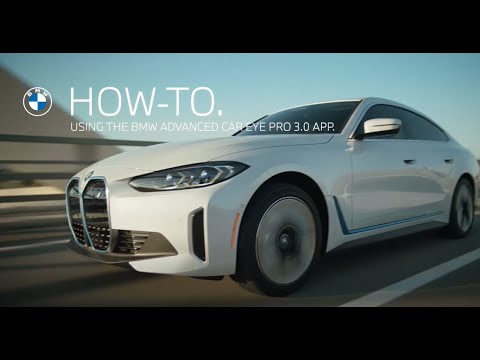
Video by BMW USA via YouTube
Source
Learn more about BMW Genius smart technology: https://www.bmwusa.com/owners/genius.html
Subscribe now: https://www.youtube.com/user/BMWUSA?sub_confirmation=1
Watch this video to discover how the BMW Advanced Car Eye 3 Pro captures front and rear-facing vehicle camera recordings.
For more convenient control, utilize the Advanced Car Eye 3 mobile app. You can use the app to individualize the camera settings like audio recording or night vision, and also choose how sensitive the cameras react to impacts, car movements, or moving objects.
While you drive, the Advanced Car Eye Pro camera can continually record traffic in your front and rear view within a one-minute timeframe. Access the Recording Settings and choose ""G-sensor only"" to activate the cameras solely in response to vehicle impacts. Such incidents get recorded from 10 seconds before to 50 seconds after the impact.
The Recordings tab lets you see recorded events on the camera with the app-viewer. Here you can filter for photos, videos and manual recordings and even mark your favorites, for quick access.
Download the Advanced Car Eye 3.0 App
Apple: https://apps.apple.com/gb/app/advanced-car-eye-3-0/id1579913245
Google Playstore: https://play.google.com/store/apps/details?id=com.bmw.ace3.row&hl=en_US&gl=US
Need further help?
Call our BMW Genius Hotline at 1.844.4GENIUS (443-6487)
Available Monday through Thursday 9 AM – 9 PM (EST)
Friday 9 AM – 6 PM (EST), and Saturday 10 AM – 7 PM (EST)
Refer to your owner’s manual or visit: https://www.bmwusa.com/owners-manuals.html
Follow BMW USA for the latest in luxury cars and performance vehicles:
Facebook: https://www.facebook.com/BMWUSA
Instagram: https://www.instagram.com/BMWusa
X (Formerly Twitter ): https://twitter.com/BMWusa
TikTok: https://www.tiktok.com/@BMWusa